Design Guides
TERRA CAD or TERRA VISION: Which Landscape Design Package Do You Need?
See how documented 2D planning and photorealistic visualization support different decisions before construction begins.
Every Crafterra package begins with a professional 2D design foundation. The decision between TERRA CAD and TERRA VISION is not a choice between “plan” and “pretty picture.” It is a choice about how you want to understand and communicate the design before construction begins.
The shared foundation: a documented 2D design.
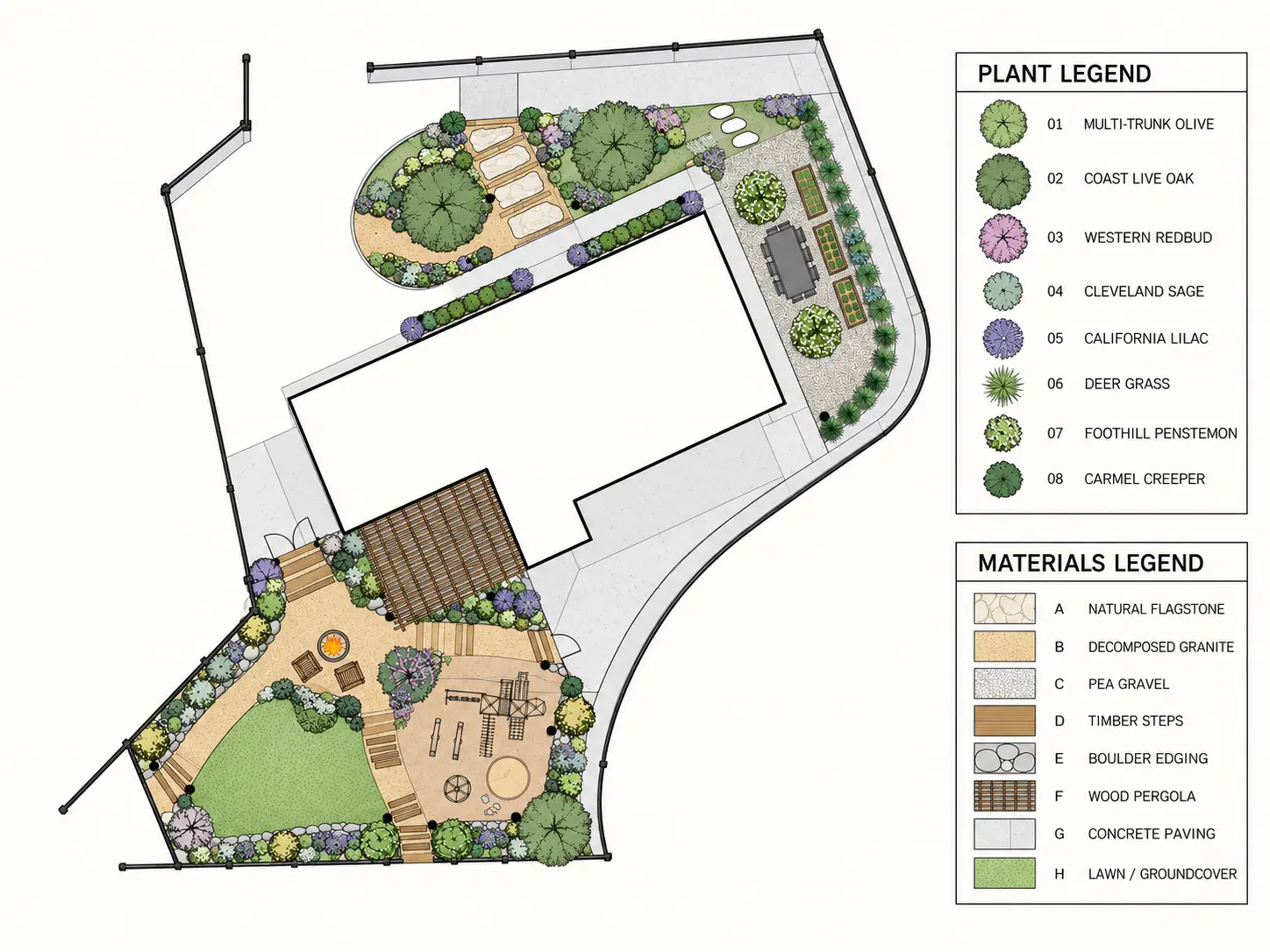
TERRA CAD is the core design package. It organizes the property into a scaled 2D landscape direction that can address layout, circulation, hardscape and feature placement, planting information, material direction, and landscape lighting intent. The final PDF package gives homeowners a clear document to review and discuss with the contractor they choose.
Each package is designed for a specific property scope—New Construction Backyard, Front Yard Design, Backyard Design, or Full Property Design—and is delivered remotely to homeowners nationwide. An onsite visit is not included in the fixed-price online packages.
What TERRA VISION adds.
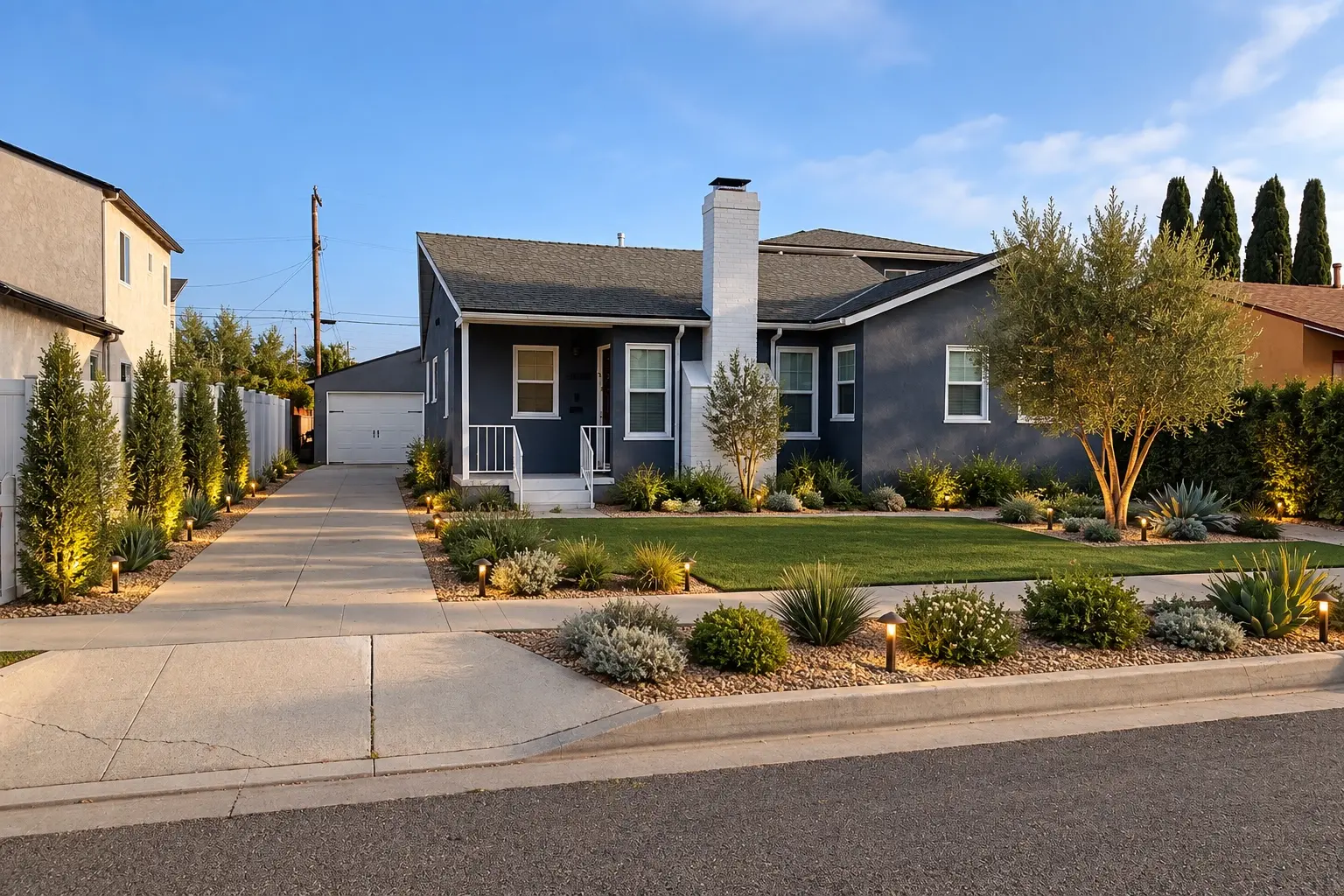
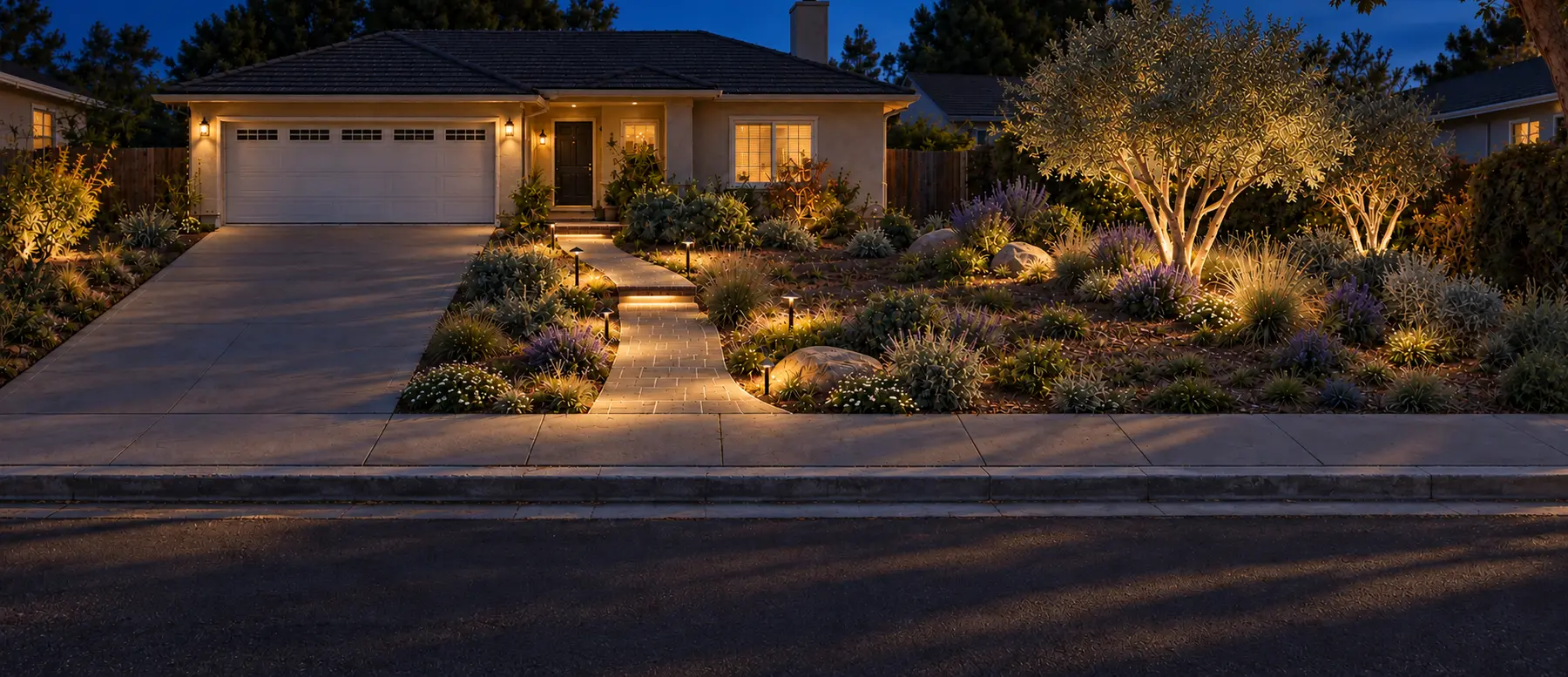
TERRA VISION includes everything in TERRA CAD and then adds coordinated photorealistic day and twilight views based on the approved 2D plan. This sequencing matters: the visuals are developed from the design direction rather than used to skip over the planning decisions.
New Construction Backyard: 10 final photorealistic renders of the same approved design across day/night angles. Front Yard Design: 3 coordinated photorealistic day and twilight views. Backyard Design: 3 coordinated photorealistic day and twilight views. Full Property Design: 5 coordinated photorealistic day and twilight views. The stated render count includes the day and twilight imagery; it is not a separate visual package layered on top of the plan.
On a small screen, scroll the comparison sideways to read both levels.
| Question | TERRA CAD | TERRA VISION |
|---|---|---|
| What do I receive? | A documented 2D landscape design package with the applicable plan, planting information, material direction, lighting intent, one consolidated revision, and final PDF. | Everything in TERRA CAD, plus coordinated photorealistic day and twilight views after 2D approval. |
| Best for | Homeowners who need a clear design direction and a stronger foundation for contractor conversations. | Homeowners who also want to evaluate atmosphere, visual balance, lighting, and key spatial relationships before building. |
| How many views? | No photorealistic render set is included. | New Construction Backyard: 10 final photorealistic renders of the same approved design across day/night angles. Front Yard Design: 3 coordinated photorealistic day and twilight views. Backyard Design: 3 coordinated photorealistic day and twilight views. Full Property Design: 5 coordinated photorealistic day and twilight views. |
| How is the change communicated? | The 2D plan documents the layout and landscape lighting intent. | Before-and-after visuals and coordinated views help communicate the design change, including lighting placement and effect. |
| What does it not replace? | Construction documentation, engineering, permits, field verification, and contractor coordination when required. | The same. Visualizations clarify the approved concept; they do not replace technical documentation or professional verification. |
Which one fits your decision?
Choose TERRA CAD when the essential need is a clearly documented landscape direction. It is the right fit when you want to organize the property, make informed layout and material decisions, and give a contractor a more useful starting point.
Choose TERRA VISION when seeing the design is likely to help you decide. A homeowner may benefit from visualization when comparing an outdoor living arrangement, understanding a modern material palette, evaluating lighting mood, or getting alignment among several decision-makers. The plan remains the foundation; the views make that foundation easier to experience.
Choose the property scope first, then the design level.
Start by selecting the part of the property that needs attention. Then choose whether the 2D design foundation is enough for the current decision or whether coordinated visualization would add value. The Packages page shows the current scopes, TERRA CAD and TERRA VISION choices, and checkout options.
Choose with confidence
Compare TERRA CAD and TERRA VISION for your property.
Explore the current package scopes and choose the level that supports your next decision.
Compare design levels